
Table of Contents
Add User Page #
Navigate to WP Dashboard -> Users -> Add User
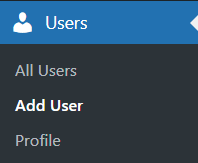
Add User
Add a Username #
Add the Username of your choice for the Support Agent
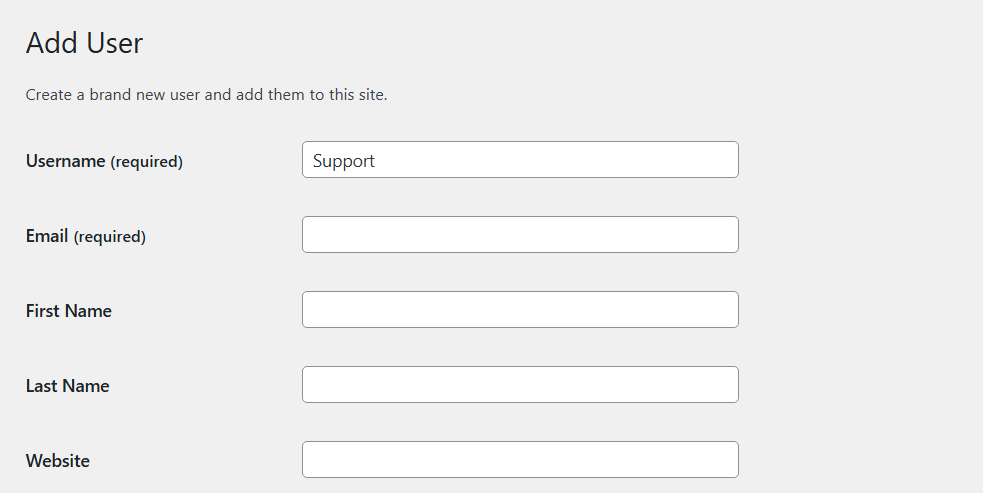
Add Username
Add Email #
Add the email address for the Support Agent. The support agent you have been in contact with will provide you with the necessary email address to be used.

Add Email
Create Password #
Generate/create the password for the Support Agent to use when logging into your site

Create Password
Set Role #
Ensure that the Role is set to Administrator and click “Add User”

Set Role


